Mortal Shell II Controls and Comfort Setup
Bind Harden and Seal where your hands can reach under panic.
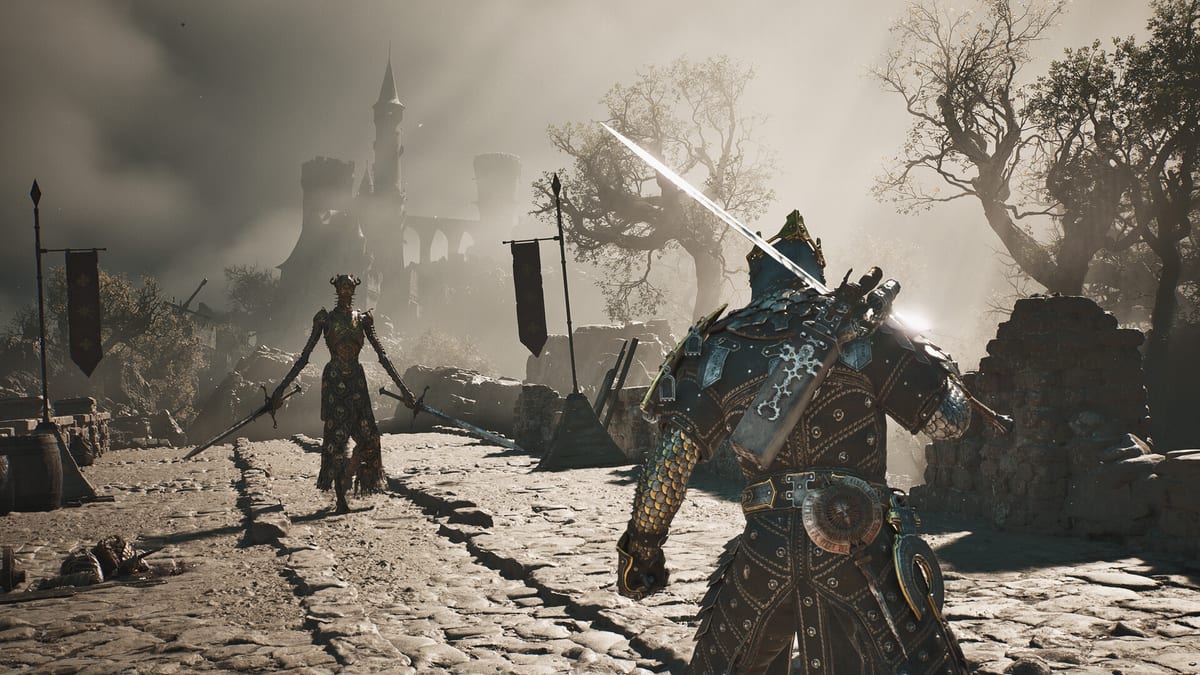
Mortal Shell II asks for precise Harden and Seal inputs while the camera tracks grotesque enemies in a compact open world. Because stamina no longer gates rolls and swings, your fingers will press more often—and that makes bad bindings feel worse. This controls guide focuses on comfort principles for keyboard/mouse and gamepad rather than pretending one universal layout fits every region’s store page screenshot.
Priority actions to place first
Put Harden, parry/Seal, lock-on, light attack, heavy attack, and sidearm on the most reliable fingers. Everything else—menu, item cycle, camera reset—can sit on secondary keys. If Harden requires a stretch, you will eat hits you already predicted. After rebinding, spend ten minutes in the Open Beta or training trash packs using the drills from the combat guide.
Gamepad mindset
On typical pads, keep Harden on a bumper or easily held trigger modifier so you can stone mid-string without releasing the stick. Parry should be a face button or bumper you can tap with timing, not a menu chord. Lock-on needs a dedicated input; losing tracking mid-boss is more lethal now that endless swings exist. If your pad supports rear buttons or paddles, map Harden there for accessibility.
Keyboard and mouse mindset
PC players often default Harden to Left Alt and parry near Q or a side mouse button—use whatever keeps WASD stability. Avoid binding Harden to a key you smash for screenshots or push-to-talk. Mouse side buttons are excellent for Seal or sidearm. Confirm that heavy attack is not the same physical key as interact if corpses and doors share prompts near combat.
Accessibility and session length
Soulslike sessions run long. Enable any aim assist, vibration cues, or subtitle options you need through the game’s own menus when available. Take breaks after failed boss loops described in the boss guide. If your hands cramp, lower camera sensitivity slightly so Harden timing stays readable.
Platform notes before launch
Steam, PlayStation 5, and Xbox Series layouts differ in label language (Cross vs A, etc.). Learn the action name, not only the icon. Console Open Beta players should recreate the same mental map before August 20 so Advanced Access on August 17 does not feel alien. Pair this page with Getting Started, Open Beta, and system requirements if you are building a new PC.
Practice routine after rebinding
- Walk and camera only for one minute.
- Light string into Harden on purpose.
- Practice one clean Seal parry on a slow enemy.
- Fire a sidearm once, then refuse to dump Resolve.
- Enter a mini-boss with the prologue walkthrough open in another tab.
Good controls will not beat Magdalena for you, but bad controls will invent deaths that look like skill issues. Fix the hardware layer first, then study Shell identity on the Shell roster.
Keep exploring this wiki
Next reads: Combat and Harden, Getting Started, and the pre-launch checklist.
Official storefronts and publisher posts are curated on the links hub. Launch shopping details live under release date and editions.
Controls-page closing note
If your thumbs still miss Harden after a rebind session, stop theory-crafting Shells and spend another ten minutes on trash packs only. Comfortable inputs are the quiet advantage behind every clean posture break. Confirm the rest of your launch plan on the pre-launch checklist.
Frequently Asked Questions
Quick answers for launch week and the open beta.
What is the most important bind?
Harden. If you cannot press it mid-string, rebind before learning advanced parries.
Should PC players use a pad?
Either works. Choose the device that keeps Harden and camera comfortable for long sessions.
Do console and PC share the same actions?
Yes in spirit—labels differ. Learn action names like Harden and Seal, not only button icons.
When should I rebind?
Before a serious boss attempt, not halfway through a rage streak.